

Table of Contents
If I need to scan a bill, form, receipt, ID, travel document, or signed paper, my first instinct is usually not to think about a separate scanner.
Because I already have a very convenient scanner in my pocket: my phone.
And I am sure it is the same for many of us.
For many everyday documents, that is enough.
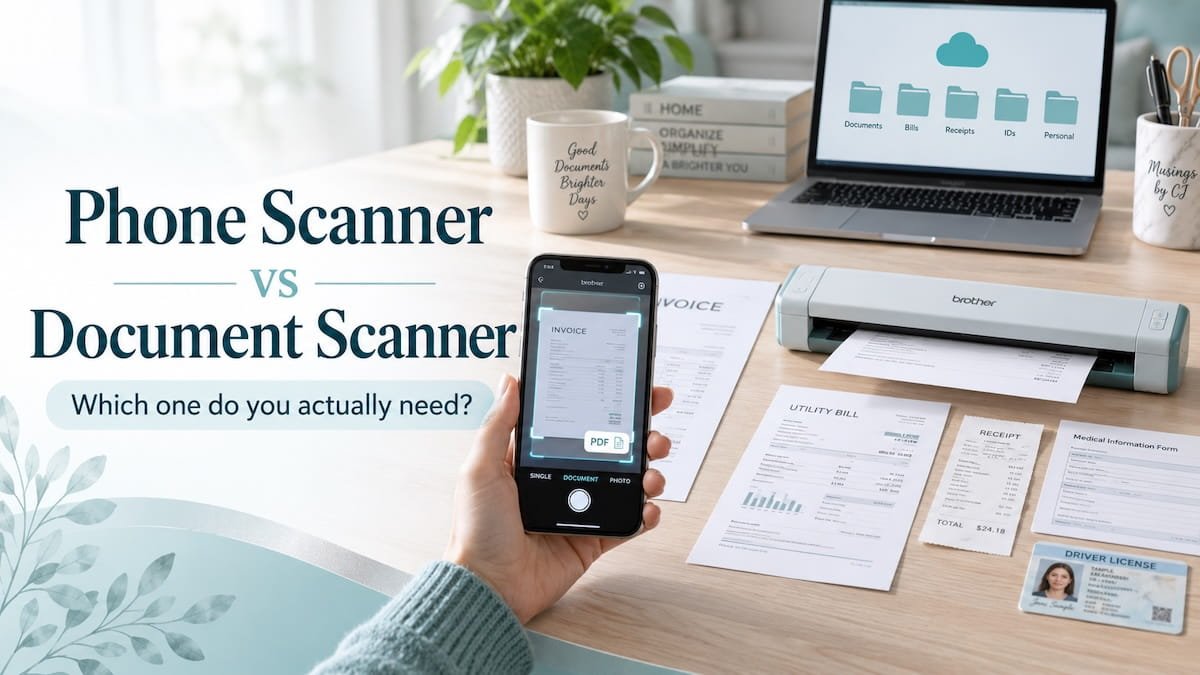
A phone scanner can be quick, convenient, and surprisingly useful. You can scan a document, save it as a PDF, send it by email, upload it to a cloud folder, or keep it for later without buying another device.
So the real question is not:
“Can a phone scan documents?”
Of course, it can.
The better question is:
“Is my phone scanner enough, or is it worth investing in a dedicated document scanner?“
That is what I wanted to understand.
My phone scanner works well for me for occasional paperwork. But I started looking at dedicated document scanners because I do scan documents quite often, and sometimes I have several documents to handle at one time.
A receipt I may need later.
A form that needs to be uploaded.
A document that has to be saved before it disappears into a drawer.
A household record I want to keep digitally.
A few scanned documents are manageable.
But when scanning becomes repetitive, slow, or messy, the workflow starts to matter.
It is no longer only about whether your phone can scan.
It is about whether your scanning workflow is becoming another small source of friction.
I wanted to know whether a separate scanner would genuinely make the process easier, or whether it would become another device which is bought as impromptu buying but then is left sitting in one corner.
Where Phone Scanning Starts Becoming Annoying
Phone scanning is very useful when the job is small.
One receipt.
One form.
One signed page.
One document you need to send quickly.
For that kind of scanning, I do not think most people need a dedicated document scanner.
The phone is already there, and that is its biggest advantage.
But phone scanning starts becoming annoying when the task becomes repetitive.
If I have several pages to scan, I have to keep placing the document properly, checking the light, holding the phone steady, avoiding shadows, cropping the edges, and making sure the scan looks clear enough.
None of these steps is difficult by themselves.
But when you do them again and again, scanning starts to feel like a small project.
This is especially true for:
- multi-page documents
- forms with several pages
- receipts and invoices
- household records
- business or freelance paperwork
- bigger pages
- curled or folded papers
- documents that need to be saved properly for later
Bigger pages can also be tricky with a phone scanner.
If the page does not fit neatly inside the camera frame, or if the document is slightly awkward to position, it takes more effort to get a clean scan.
The same thing can happen with multi-page documents.
Scanning one page with a phone is usually fine.
Scanning a stack of pages can become irritating.
You have to keep the pages aligned, check whether the scan is clear, make sure nothing is cut off, and then save everything properly.
Once documents are scanned, the next question is where they should live — which connects to the bigger cloud storage vs external drive decision.
That is when the problem is no longer the phone camera.
The problem is the repeated handling.
If scanning becomes something you keep delaying because it feels fiddly, that is a sign that the workflow may need help.
That is exactly what I do not want with my life admin tasks.
When a Dedicated Document Scanner Starts Making Sense
A dedicated document scanner starts making sense when scanning is no longer occasional.
If you only scan one document now and then, your phone may still be enough.
But if paper keeps entering your life again and again, the decision changes.
This can happen with:
- household paperwork
- tax papers
- receipts
- invoices
- contracts
- school or family documents
- freelance or business paperwork
- old records you want to digitise
- forms that need to be saved and found later
In that situation, the problem is not one scan.
The problem is the repeated process.
A dedicated document scanner may help because it gives scanning a more fixed setup.
Instead of holding the phone over each page, adjusting the angle, checking the light, and correcting the crop each time, you can create a more repeatable scanning routine.
That is the real benefit.
It is not that a document scanner is automatically better for every document.
It is that it can make regular paperwork easier to process.
For me, this is the point where I started thinking about dedicated scanners more seriously.
Not because I wanted another device.
But because I wanted to understand whether scanning could become a simpler part of my document system.
If the paperwork is occasional, the phone is enough.
If the paperwork is regular, multi-page, awkward to scan, or easy to postpone, a dedicated scanner may start earning its place.
My Search for a Document Scanner — and What I Looked For
Once phone scanning started feeling repetitive, I began looking at document scanners for my own home paperwork.
I was sure that I did not want a big office machine.
I wanted something simple, compact, and useful for the kind of documents I actually deal with – bills, forms, receipts, IDs, contracts, and household records.
I was not looking for a scanner with the maximum features.
It wanted the answer to:
“Which scanner would make regular scanning feel easier than using my phone?”
So with that question in mind I started my search:
First, I wanted something that could handle normal A4 documents. A lot of home paperwork is not tiny. Forms, letters, contracts, and official papers usually need a clean full-page scan.
Second, I wanted the setup to feel simple. If scanning needs too many steps, I know I will delay it. So I needed a scanner that could sit easily on a desk, connect without too much complication, and make scanning feel like a breeze.
Third, I looked for OCR support. OCR means the scanner software can recognise text from the scanned document. This can be useful if you want scanned documents to become searchable or easier to work with later.
Fourth, I wanted something that would reduce the usual phone-scanning friction (the very reason InviroTech – started looking for a document scanner in the first place) – holding the phone steady, adjusting the angle, checking the lighting, cropping the edges, and repeating the same steps for every page.
That is why compact portable document scanners caught my attention.
One option I looked at was the CZUR Lens Pro. It is designed for A4 documents, receipts, contracts, invoices, ID documents, books, and home or office scanning. It also mentions OCR support and works with a computer setup.
From the reviews I read, buyers seemed to like the speed, portability, OCR quality, and ease of scanning pages or documents. That made it feel like the kind of scanner I would seriously consider because it matched the buying criteria I had set.
But I would still choose based on workflow.
Check compact document scanners on Amazon →
Disclosure: This post may contain affiliate links. If you buy through them, I may earn a small commission at no extra cost to you.
Where I Still Use a Phone Scanner
I still think a phone scanner is useful. In fact, for many small scanning tasks, it is probably the easiest option.
I would still use my phone for:
- one receipt
- one signed form
- one ID copy
- a travel document
- a quick scan while away from home
- a document I need to send immediately
- paperwork that does not need a full scanning session
This is where the phone is hard to beat.
It is already with me.
There is no extra device.
There is no setup.
And for quick scans, it is actually the most sensible option.
I also do not think everyone needs a separate scanning app.
Many phones already have built-in scanning options through the camera, notes app, or files app. If that works for you, there is no need to complicate the system.
I have also liked Scannable for quick phone scans because it feels simple and fast. But I would treat it as a useful phone-scanning option, not the whole scanning system.
For me, the phone scanner is best for quick capture.
A dedicated scanner starts becoming useful and a better choice only when scanning becomes a repeated paperwork workflow.
Phone Scanner vs Document Scanner: Quick Comparison
| Question | Phone Scanner | Dedicated Document Scanner |
|---|---|---|
| Best for | Occasional scans | Regular paperwork |
| Setup | No extra device | Needs a device and desk space |
| Portability | Excellent | Depends on the model |
| One-page documents | Usually enough | Also works, but may be more than needed |
| Multi-page documents | Can become annoying | Usually easier |
| Bigger pages | Can be tricky | More stable if the scanner supports the size |
| Receipts | Good for quick capture | Better if you scan many |
| OCR | Depends on the app | Often included in scanner software |
| Cost | Usually free or low-cost | Extra purchase |
| Best workflow | Quick scan and send | Repeated scan, save, organise |
This is why I do not see the decision as simply phone scanner or document scanner.
I see it more as: quick capture vs repeated paperwork.
A phone scanner is excellent when you need to capture something quickly.
A dedicated document scanner becomes more useful when scanning is part of a regular paperwork routine.
That is the real difference.
The Question I Would Use to Decide
Start with the answer to this question:
Am I scanning occasionally, or am I repeatedly processing paperwork?
If your answer is occasionally, your phone is probably enough.
But if it is repeatedly, every week, several pages at a time, or you keep delaying scanning because the phone process feels annoying, a dedicated scanner is definitely worth considering.
This question matters more than the device itself.
Because a tool is only useful if it removes friction from something you actually do.
If scanning is rare, buying another device may only create clutter.
If scanning is frequent, the right device may save time and reduce resistance.
My Simple Recommendation
Stay with your phone scanner if:
- you scan only occasionally
- most documents are one page
- you mainly scan receipts, forms, IDs, or travel documents
- you need quick PDFs
- you usually scan while away from home
- your current phone workflow is working well enough
Consider a dedicated document scanner if:
- scanning has become a repeated task
- you scan several documents at once
- you handle household, freelance, or business paperwork regularly
- multi-page scanning feels irritating
- bigger pages are awkward with your phone
- you want a more stable setup
- OCR matters to you
- you want scanning to become part of a proper document workflow
Use both if:
- your phone is useful for quick one-off scans
- a document scanner would help with planned paperwork sessions
- you want a simple system for both immediate capture and organised storage
That is probably the most realistic answer.
The phone scanner is not bad.
A dedicated scanner is not automatically necessary.
They simply solve different levels of paperwork.
If you want to look at the compact scanner I considered, you can check the CZUR Lens Pro here.
Owning another equipment is not the goal.
The real goal is to have an equipment that helps you make your life easier and makes sure that important papers are organised do not stay in piles, drawers, bags, or your head.
They need a place to land.
And the easier scanning feels, the more likely you are to actually do it.
Related Posts
- How to Organise Important Documents at Home and Digitally
- Cloud Storage vs External Drive: What Do You Actually Need?
- My Simple Digital Declutter System
- pCloud Review: Is It Good for Photo Backup and Everyday File Storage?
* This post may contain affiliate links. If you buy through them, I may earn a small commission at no extra cost to you.
[…] is enough or whether regular paperwork needs a dedicated scanner, I have also written a practical phone scanner vs document scanner […]
[…] paperwork-heavy life admin, scanning can also become part of the system. I compared when a phone scanner is enough and when a dedicated document scanner may make […]
[…] IDs, contracts, or household documents, a scanner may become useful. I wrote a separate guide on phone scanner vs document scanner to help decide when it is worth […]